#7190 HYPERVISOR EA SPORTS FC 27 v1.0.1/v1.0.140.52122 [Monkey Repack]

Genres/Tags: Sports, Soccer, 3D
Companies: EA Romania, Electronic Arts, EA Vancouver
Languages: RUS/ENG/MULTI21
Original Size: 77.9 GB
Repack Size: from 53.7 GB [Selective Download]
Download Mirrors (Direct Links)
- Filehoster: DataNodes (Speed & Usability) [Use IDM]
- Filehoster: FuckingFast (REALLY Fucking Fast 🙂 )
- Filehoster: FileKeeper.net (a new hoster)
Download Mirrors (Torrent)

Discussion and (possible) future updates on CS.RIN.RU thread
Screenshots (Click to enlarge)


Repack Features
- Based on Steam BuildID 25417797 release: 77.9 GB
- Hypervisor Bypass (EA.SPORTS.FC.27.Crack.Only-ARTIFACT) + Anadius emu applied over
- Many antiviruses, including Windows Defender are now marking HV files as rootkits, rendering games unplayable. To avoid it either turn off AV completely, or add source/target installation folders to exclusions
- VBS.cmd script v1.9 added
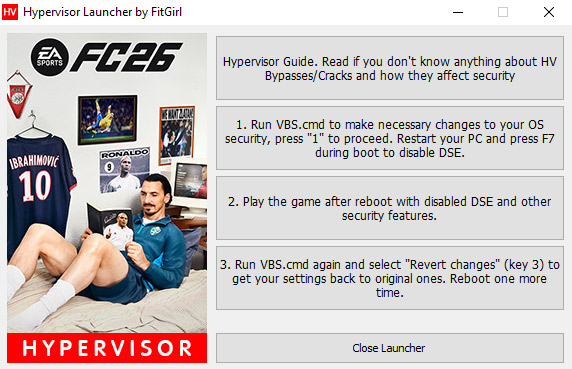
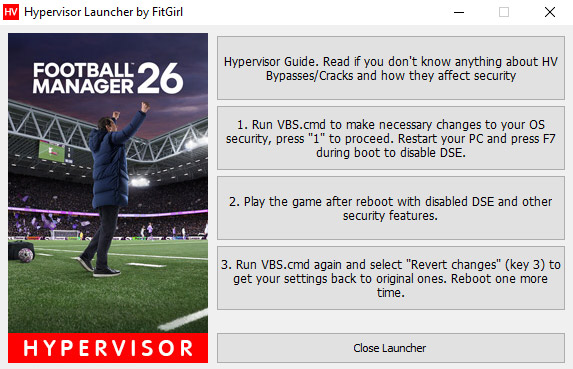
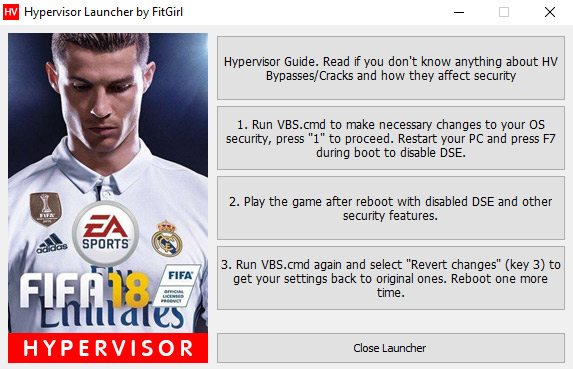
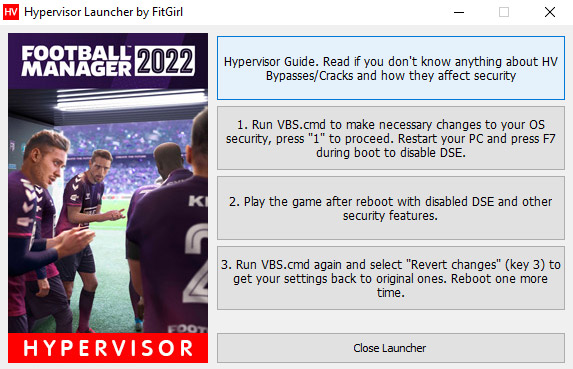
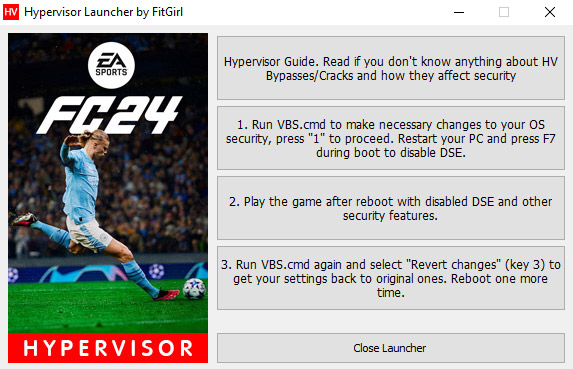
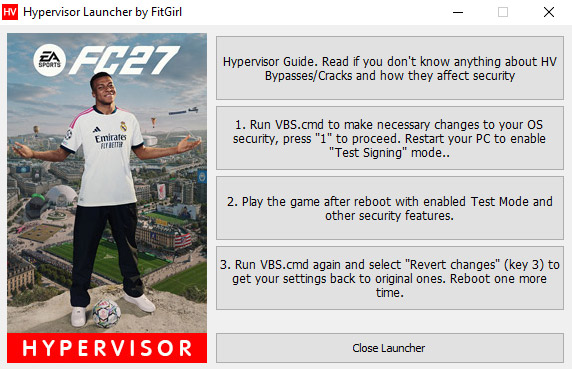
- Custom launcher added for easier HV steps processing
- Game version: v1.0.1/v1.0.140.52122; Since all DLCs are online-only, this is not an Ultimate Edition, just like every other release out there
- 100% Lossless & MD5 Perfect: all files are identical to originals after installation
- NOTHING ripped, NOTHING re-encoded
- Selective Download feature: you may skip downloading and installing of localization packs you don’t need. Languages w/o their own lang packs are included by default along with English commentaries
- Smaller archive size (compressed from 77.9 to 53.7~71 GB, depending on selected components)
- Installation takes 3-15 minutes (depending on your system and selected components)
- After-install integrity check so you could make sure that everything installed properly
- HDD space after installation: up to 77.9 GB
- GUI language can be changed in game settings
- Commentary language can be changed in “anadius.cfg” file and then selected in game settings
- At least 2 GB of free RAM (inc. virtual) required for installing this repack
Having issues with my launcher?
Then do the following steps manually:
- Make sure you have virtualization tech enabled in your BIOS: VT-x for Intel or AMD-V (SVM) for AMD
- Run “VBS.cmd” in the game folder – you might want to download fresh version here: https://fitgirl-repacks.unblockninja.st/hypervisor-guide/
- Press 1 to make necessary changes to the system
- Reboot to enable “Test Signing” mode. If selection screen appears on boot, press 7 or F7 to disable DSE
- Run “FC27.exe” as admin
- Play
- Run “VBS.cmd” again and press 3 to revert made changes
- Reboot in the normal, secure mode
What is a Hypervisor Bypass?
Please read this article before proceeding with downloading and installation:
https://fitgirl-repacks.unblockninja.st/hypervisor-guide/
Why Monkey Repack?
Like some previous FIFA games before, this one is also using the slowest of all Oodle compression library methods called Leviathan. It means, that while repacking of the game is possible, it would install for some HOURS on very powerful PCs, yet would be smaller only by a few GBs. So instead very fast algo was used and the main gain you get here is from selective download option. And any monkey can do that, hence the “Monkey Repack” title.